Use water and electricity usage and payment history from the Tang Rat app to support your loan application
How to request water and electricity usage and payment history
- Open the “Tang Rat” application.
- Go to “Finance/Insurance”.
- Select “Request documents for financial service applications”.
- Choose the agency and user account for which you want to request history.
- Check the information and select “Request document”. The document will be saved on your phone.
Submit the document saved on your phone when applying for a loan with Big Money Plus Co., Ltd. via LINE:
bmpadmin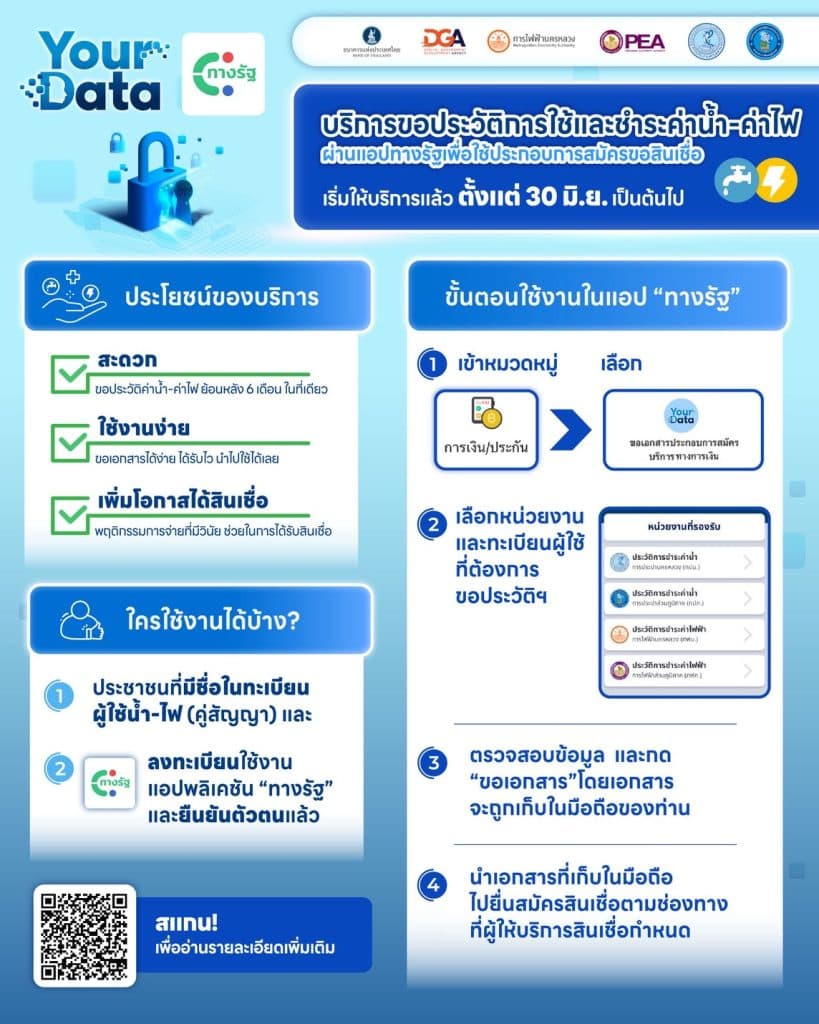
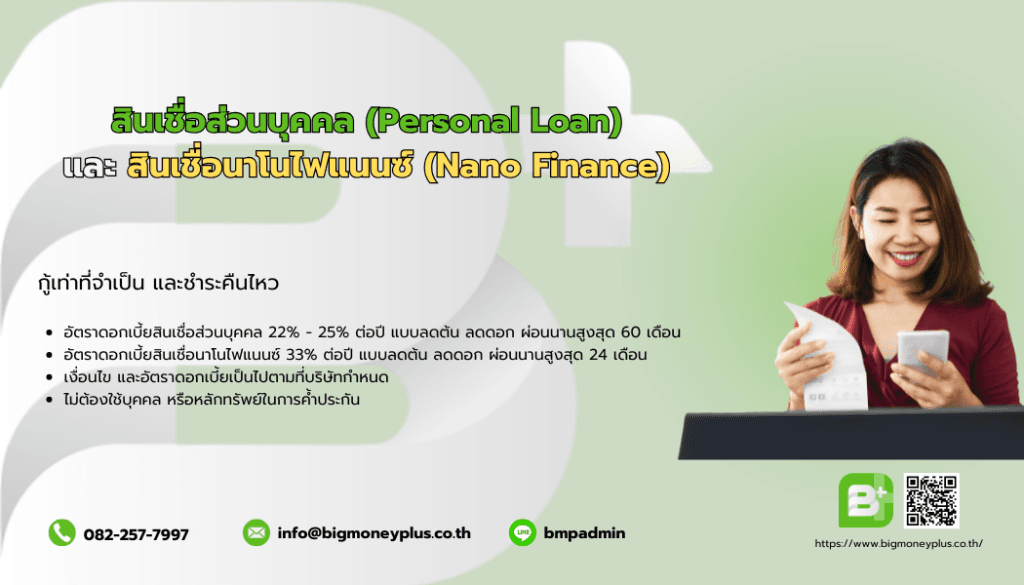 Explore loan details